interactive screen software
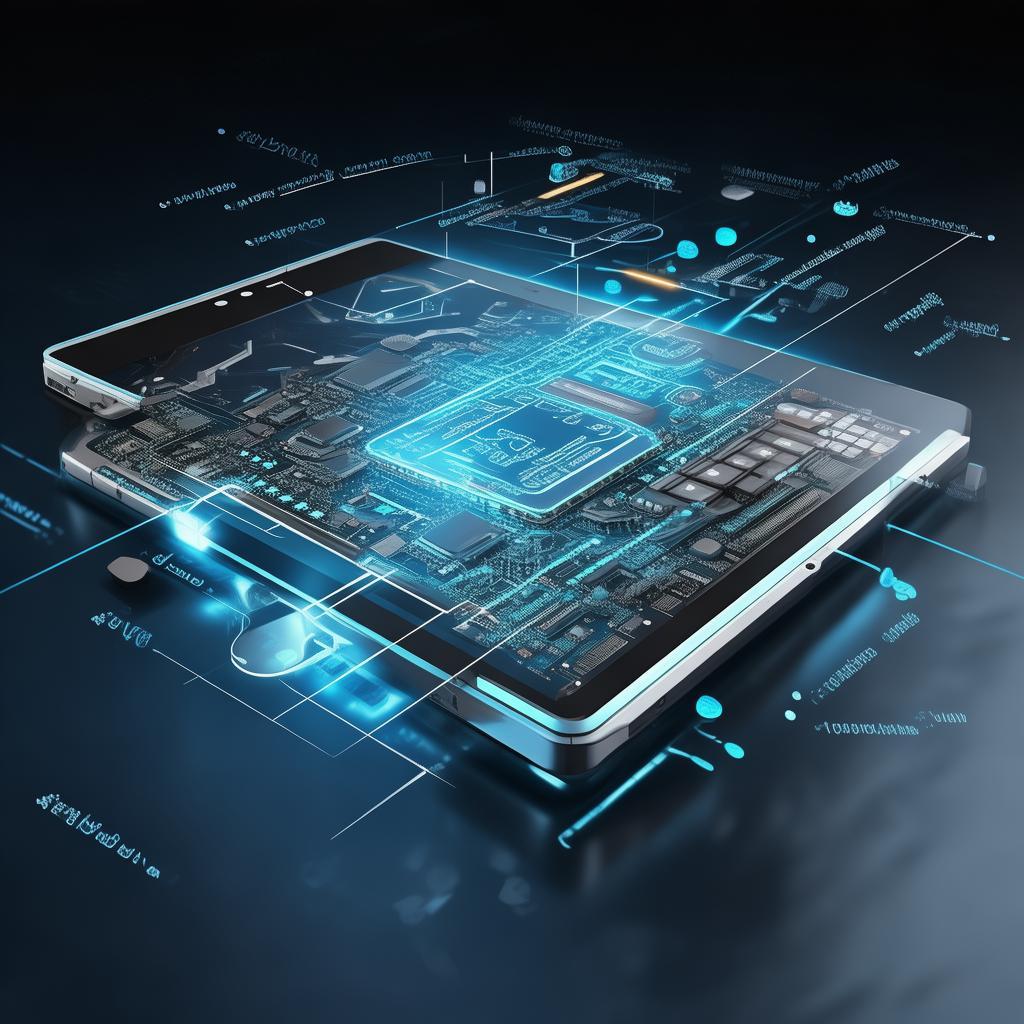

Interactive Screen Software
Welcome to the future of collaborative engagements with our state-of-the-art interactive screen software. This innovative solution is designed to transform the way teams communicate, share information, and engage in presentations. Whether in a corporate boardroom, educational institution, or creative studio, our software enhances interactivity and fosters participation, making every meeting or classroom session a more productive experience.
Product Overview
Our interactive screen software integrates seamlessly with a variety of interactive displays, enabling users to engage with digital content in real-time. With a user-friendly interface and a suite of robust tools, this software supports collaboration, brainstorming, and project management across diverse industries. It empowers users to annotate, edit, and share content instantly, ensuring that ideas flow freely and efficiently.
Key Features
- Real-Time Collaboration: Multiple users can interact with the screen simultaneously, allowing for seamless teamwork.
- Intuitive Interface: Designed for ease of use, our software requires minimal training, making it accessible for all skill levels.
- Multi-Device Compatibility: Supports a range of devices, including tablets, smartphones, and laptops, enabling users to connect from anywhere.
- Annotation Tools: Users can draw, highlight, and annotate directly on the screen, facilitating clearer communication of ideas.
- Content Sharing: Effortlessly share documents, images, and videos from cloud storage or local drives.
- Customizable Templates: Choose from a variety of templates to tailor presentations and brainstorming sessions to specific needs.
- Integration Capabilities: Easily integrates with popular productivity applications and cloud services for enhanced functionality.
Technical Specifications
| Specification | Details |
|---|---|
| Operating System | Windows, macOS, Android, iOS |
| Screen Compatibility | All major interactive displays |
| User Capacity | Up to 20 simultaneous users |
| File Format Support | PDF, PPT, DOCX, JPG, PNG, MP4 |
| Security | End-to-end encryption, role-based access control |
| Support | 24/7 customer support |
Application Scenarios
The versatility of our interactive screen software makes it suitable for various settings, including:
- Corporate Meetings: Enhance your business discussions with real-time collaboration tools and visual aids.
- Educational Institutions: Foster interactive learning experiences in classrooms, enabling students to engage actively in lessons.
- Creative Workshops: Use the software for brainstorming sessions and project planning, allowing teams to visualize their ideas.
- Remote Work: Facilitate virtual meetings and collaboration among remote teams, breaking geographical barriers.
- Trade Shows and Presentations: Showcase your products and services interactively, captivating your audience.
Advantages
By choosing our interactive screen software, you gain several competitive advantages:
- Enhanced Engagement: The interactive nature of the software keeps participants focused and encourages active participation.
- Improved Productivity: Streamlined communication and collaboration tools lead to faster decision-making and project turnaround times.
- Cost-Effective: Reduce the need for physical materials and travel by utilizing digital resources and remote collaboration capabilities.
- Future-Proof Technology: Stay ahead of the curve with regular updates and new features that keep your software relevant.
Why Choose Us
Our commitment to quality and customer satisfaction sets us apart in the market. Here are a few reasons to select our interactive screen software:
- Expertise: With years of experience in developing interactive solutions, we understand the unique needs of various industries.
- Customer-Centric Approach: We tailor our solutions to meet your specific requirements, ensuring optimal performance and user satisfaction.
- Comprehensive Training and Support: We provide thorough training resources and ongoing support to help you maximize the software’s potential.
- Positive User Feedback: Our clients consistently report higher engagement and improved outcomes after implementing our software.
FAQ
1. What types of devices are compatible with the interactive screen software?
Our software is compatible with a wide range of devices, including interactive displays, laptops, tablets, and smartphones across Windows, macOS, Android, and iOS platforms.
2. Is the software suitable for remote collaboration?
Absolutely! The interactive screen software is designed to facilitate remote collaboration, allowing users to connect and interact in real-time from different locations.
3. How secure is the interactive screen software?
We prioritize security with end-to-end encryption and role-based access controls, ensuring that your data remains protected at all times.
4. Can I customize the software to fit my organization's branding?
Yes, our software offers customizable templates and themes that can be tailored to align with your organization's branding and style.
5. What kind of support is available after purchase?
We offer 24/7 customer support, along with comprehensive training materials to help you make the most of our interactive screen software.