
Empower Modern Classrooms: Rugged Chrome Tablets for Education
In today's dynamic educational landscape, technology must be more than just a tool; it must be a durable, reliable, and intuitive partner in learning. Our chrome tablets for education are engineered specifically to meet the rigorous demands of K-12 and higher education environments. Built on the secure, fast, and easy-to-manage Chrome OS, these devices provide a seamless gateway to digital curricula, collaborative applications, and a world of educational resources, all while offering the resilience needed for daily student use.
Product Overview
The EduChrome Pro Series represents the next generation of learning devices. These are not consumer tablets repurposed for the classroom; they are purpose-built chrome tablets for education designed from the ground up with input from educators and IT administrators. Combining a military-grade rugged design with the simplicity and power of Chrome OS, the EduChrome Pro ensures that technology enhances learning without becoming a distraction or a liability. With centralized cloud management via the Google Admin console, deploying, securing, and managing a fleet of hundreds or thousands of devices becomes a streamlined, efficient process.
Key Features
- Unmatched Durability: Featuring a reinforced chassis, Corning® Gorilla® Glass display, and rubberized bumpers, these tablets withstand drops, spills, and the general wear and tear of daily student handling. They are IP52 rated for protection against dust and water splashes.
- Optimized for Google Ecosystem: Seamlessly integrate with Google Classroom, Google Workspace for Education, and thousands of educational Chrome Web Store apps. Support for Android apps further expands learning possibilities.
- Long-Lasting Battery & USB-C Charging: A high-capacity battery delivers up to 12 hours of active use on a single charge, easily lasting a full school day. Universal USB-C charging simplifies power logistics.
- Crystal-Clear Learning & Collaboration: A vibrant 10.1" FHD touchscreen is perfect for interactive lessons and digital content. Dual front-facing speakers and noise-canceling microphones ensure clear audio for video calls and multimedia projects.
- Enhanced Security & Easy Management: Benefit from built-in virus protection, automatic updates, and multi-layered security. Remotely configure policies, deploy apps, and manage settings for your entire device fleet from a single dashboard.
Technical Specifications
| Category | Specification |
|---|---|
| Operating System | Chrome OS (Automatic updates guaranteed for 8 years) |
| Display | 10.1" IPS, Full HD (1920 x 1200), 10-point multi-touch, Corning® Gorilla® Glass |
| Processor & Memory | MediaTek Kompanio 828 Octa-core; 4GB / 8GB LPDDR4X RAM |
| Storage | 64GB / 128GB eMMC (Expandable via microSD card) |
| Connectivity | Wi-Fi 6, Bluetooth 5.2, Optional 4G LTE |
| Cameras | Front: 5MP (1080p video); Rear: 8MP Autofocus (with document scan mode) |
| Durability | MIL-STD-810H compliant, IP52 rating, Reinforced corners |
| Battery | 7,000mAh (Up to 12 hours); USB-C Fast Charging |
| Ports | USB-C 3.2, 3.5mm audio jack, microSD slot, Pogo pin connector for docking |
Application Scenarios
Our chrome tablets for education are versatile tools that adapt to various learning models:
- 1:1 Learning Initiatives: Provide every student with a personal, secure device for accessing digital textbooks, submitting assignments, and personalized learning paths.
- Collaborative Group Work: With robust multi-user support and seamless app integration, students can easily collaborate on projects, presentations, and research in real-time.
- Standardized Testing & Assessments: The locked-down kiosk mode and secure browser capabilities make these tablets an ideal, reliable platform for digital exams.
- Special Education & Accessibility: Leverage built-in Chrome OS accessibility features like screen readers, magnifiers, and voice control to support diverse learner needs.
- STEM & Creative Labs: Run coding environments, simulation apps, and creative tools for art and design, turning the tablet into a portable lab station.
Advantages for Educational Institutions
Choosing dedicated chrome tablets for education over consumer-grade alternatives offers significant institutional benefits:
- Lower Total Cost of Ownership (TCO): Affordable initial hardware cost combined with minimal management overhead and no need for expensive antivirus software.
- Future-Proof Investment: Guaranteed automatic updates for 8 years ensure devices remain secure and compatible with the latest educational software without costly hardware refreshes.
- Reduced IT Burden: Cloud-based management allows a small IT team to effortlessly provision, monitor, and troubleshoot devices across multiple campuses.
- Promotes Digital Equity: A consistent, reliable user experience ensures all students have equal access to learning tools, both in school and at home.
Why Choose Our Chrome Tablets for Education?
As a specialist manufacturer in the EdTech sector, we go beyond simply selling hardware. We provide a partnership for your digital transformation.
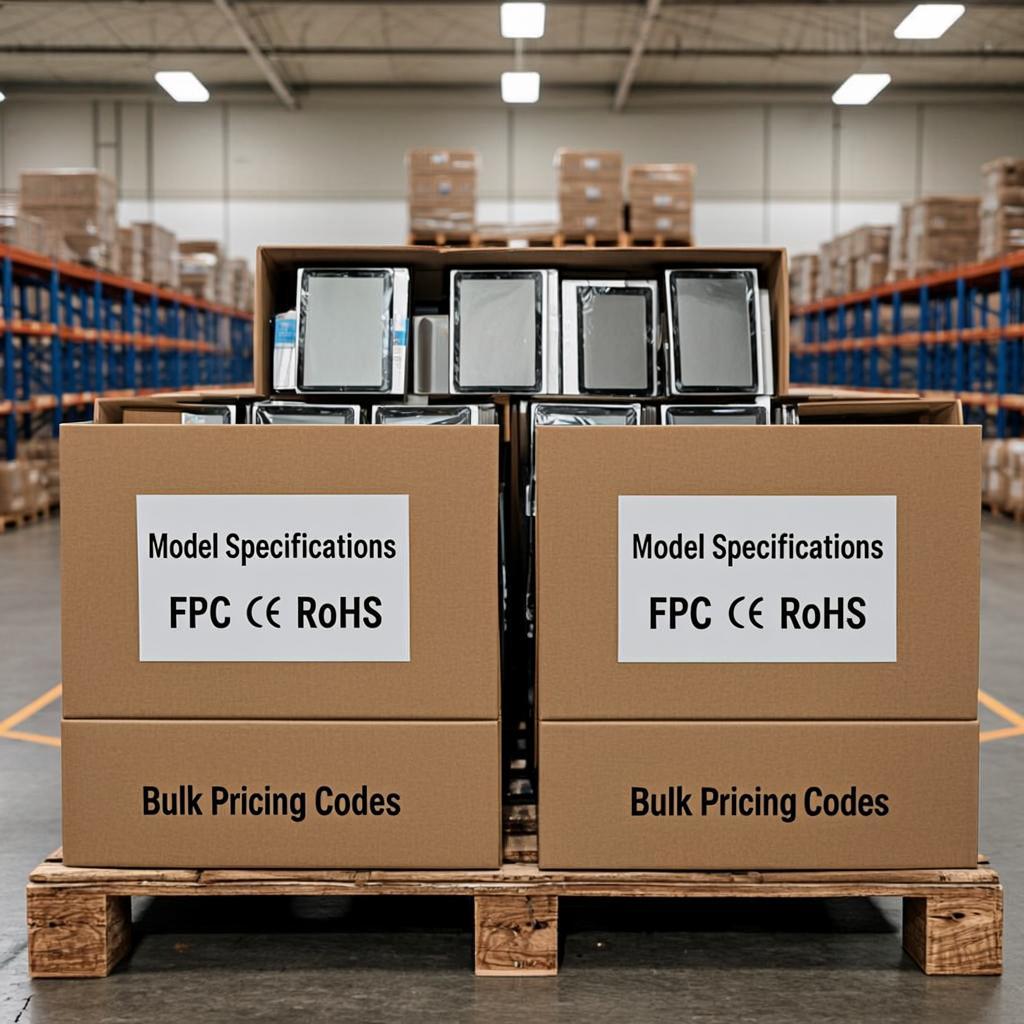
- Education-First Design: Every feature, from the grippable case to the classroom-optimized cameras, is chosen with student and teacher use in mind. Bulk Procurement & Customization: We offer flexible pricing for large-scale deployments and can provide custom imaging, asset tagging, and boot screen logos to align with your district's branding.
- Comprehensive Support & Warranty: Our packages include extended warranties, accidental damage protection plans, and dedicated account management to ensure your program's success.
- Proven Global Deployment Experience: We have successfully equipped schools and districts worldwide, providing reliable logistics and setup guidance.
Frequently Asked Questions (FAQ)
Q1: How do you manage so many tablets in a school setting?
A: Management is centralized and simple through the Google Admin console. IT administrators can remotely configure Wi-Fi, install apps from the managed Google Play store, set web content filters, and apply policies to individual devices, groups, or organizational units in minutes.
Q2: Are these tablets suitable for younger students (e.g., elementary school)?
A: Absolutely. Their rugged build withstands rough handling. Furthermore, you can create managed child accounts with restricted access to age-appropriate apps and websites, creating a safe digital sandbox for younger learners.
Q3: Can students use these devices offline?
A: Yes. Many educational Chrome and Android apps, including Google Docs, Sheets, and Slides, have offline capabilities. Students can work on assignments without an internet connection, and their work will sync automatically once they reconnect.
Q4: What is your typical lead time for large orders?
A: For standard configurations, we maintain stock for rapid shipment. For large, customized orders (1,000+ units), we provide a detailed production and delivery schedule upon quotation, typically ranging from 4-8 weeks with clear communication throughout the process.
Q5: Do you offer professional development or setup services?
A: Yes. We partner with educational consultants to offer optional teacher training workshops on integrating chrome tablets for education into pedagogy. We also offer white-glove setup services, including unboxing, asset tagging, enrollment, and configuration before shipping directly to your schools.
Ready to transform learning in your district? Contact our educational solutions team today for a personalized quote, a detailed specification sheet, or to arrange a product demonstration. Discover why our purpose-built chrome tablets for education are the smart, sustainable choice for modern classrooms.